Free 3x3 cube solver
Online Cube Solver
Solve the cube in your hands, one move at a time. Enter your 3x3 cube's colors manually or with six face photos, check them, then follow the 3D solution. Free to use in your browser, with no download or sign-up.
Start solving your cubeChoose a cube solver
Use the 3x3 solver below, choose a 2x2 pocket cube, or start by photographing all six faces.
3x3 Cube Solver
Enter all six 3x3 faces, validate centers and sticker counts, then follow the solution.
Open 3x3 solver2x2 Cube Solver
Use the dedicated pocket-cube flow with corner-state validation and step playback.
Open 2x2 solver4x4 Cube Solver
Enter all 96 stickers on a Rubik's Revenge cube and follow a generated solution.
Open 4x4 solverPhoto Cube Solver
Photograph six faces, review locally detected colors, and correct them before solving.
Open photo solverEntry rule
Color your cube
Use flat face entry for precision, rotate the 3x3 cube and paint visible stickers directly, or apply six face photos.
2D cube net
Layout: U on top, L F R B across the middle, D below.
U Up
L Left
F Front
R Right
B Back
D Down
Enter your cube colors
Solution playback
Generate a move list, then follow the larger 3D cube one turn at a time.
No solution generated yet
Center colors
A standard 3x3 cube has fixed center stickers. You can still edit them here for non-standard color schemes, but the six centers must remain unique before solving.
Cube move notation
Read each move from the perspective of looking directly at that face.
R
Turn the right face clockwise.
R'
Turn the right face counterclockwise.
R2
Turn the right face twice.
U F L D B
Use the same pattern for up, front, left, down, and back.
Solve My Cube for iPhone and iPad
Scan a real cube. Follow every step.
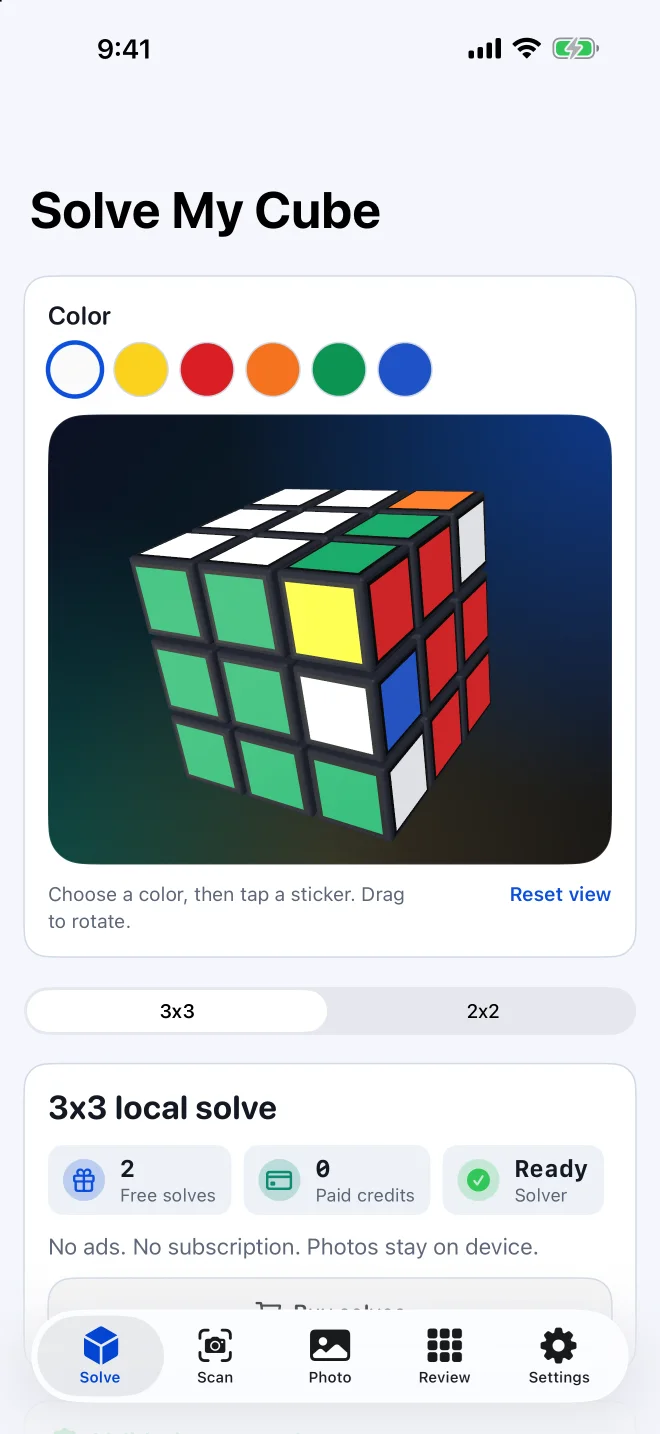
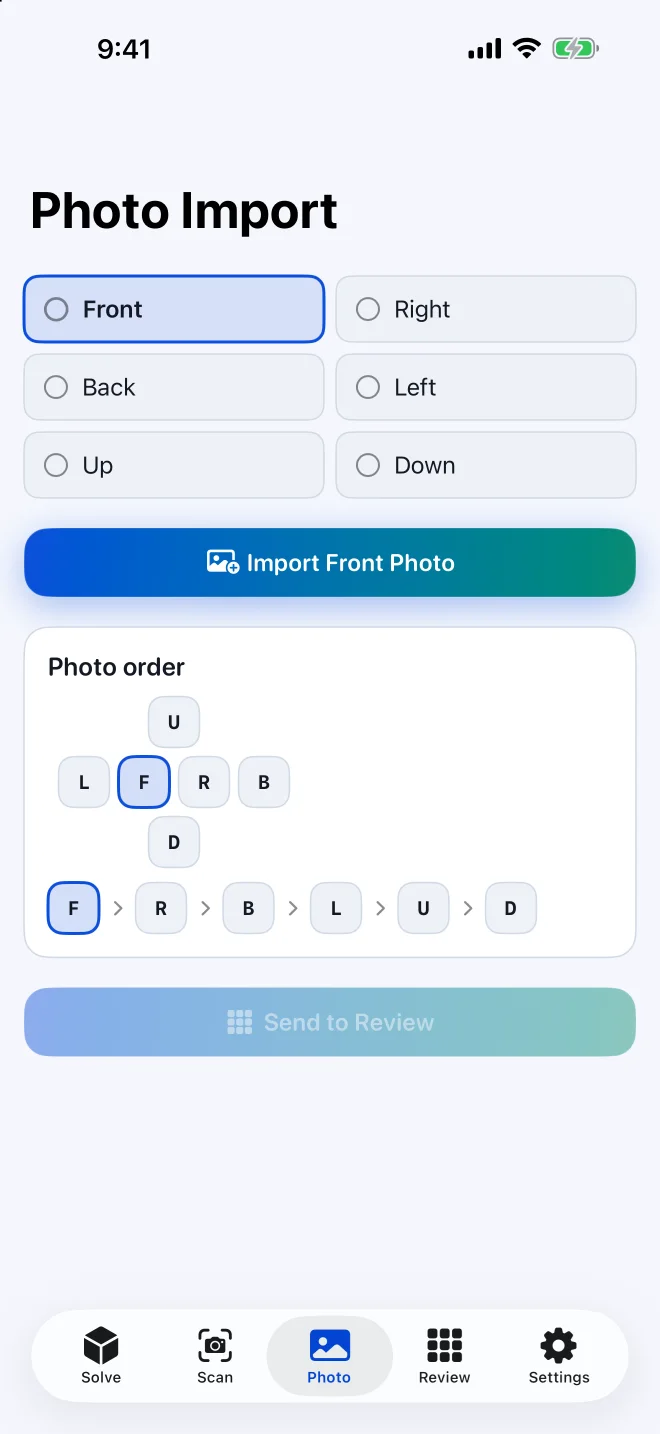
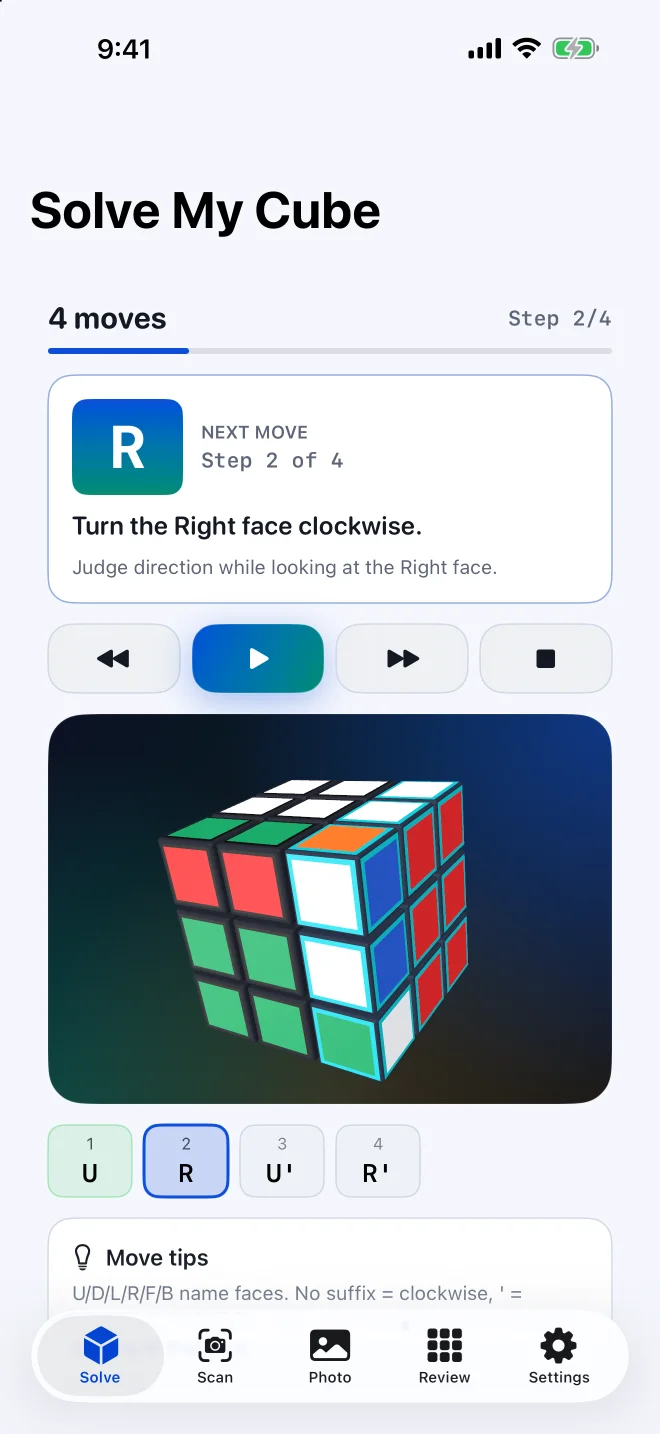
Use the iPhone or iPad app to scan a physical cube, review the detected colors, and keep step-by-step playback with you while you turn.
- Camera and photo scanning
- Editable 3D review
- Step-by-step playback

How to use this cube solver
Step 1
Enter the stickers
Use flat entry, 3D entry, or six local face photos.
Step 2
Validate the colors
Check missing stickers, color counts, centers, and size-specific rules.
Step 3
Follow the solution
Generate moves and use the step-by-step 3D playback to solve the cube.
Why this online cube solver works
This cube solver keeps photo entry local and editable. Glare, shadows, worn stickers, and red-orange confusion can still happen, so every detected state flows back into the same validation and manual editing tools before solving.
The built-in 3x3 cube solver supports flat entry when you want precise face-by-face control, 3D entry when matching the screen to the cube in your hand feels natural, and photo entry when you can take one clear square image of each face. For capture order, lighting, and correction guidance, open the photo cube solver.
How cube state validation works
A standard cube state needs complete sticker colors, consistent color counts, and a valid face mapping. Solve My Cube checks those basics before generating moves so the playback does not explain an impossible state.
Center stickers are editable for non-standard 3x3 color schemes, but they still define the color-to-face mapping used by the solver. For a 3x3-only solver, open the 3x3 cube solver. Pocket cube entry is handled on the dedicated 2x2 page.
2x2 cube entry
The 2x2 solver now has its own page because pocket cubes do not have fixed center stickers. Keep the front face fixed while entering each side so the face mapping stays consistent.
Need a pocket cube solution? Open the 2x2 cube solver.
Online cube solver with step-by-step playback
After validation passes, the solver returns standard cube notation and a larger 3D playback view. Follow one move at a time instead of trying to memorize a long algorithm string.
Frequently Asked Questions
Is this a Rubik's Cube solver?
Solve My Cube solves standard 3x3 and 2x2 puzzle cube states. The site is independent and is not affiliated with or endorsed by the Rubik's brand.
Can I solve a cube without a camera?
Yes. You can enter stickers manually with flat or 3D input. Photo entry is optional and runs locally in your browser.
Why does the cube state say invalid?
The most common causes are missing stickers, the wrong color counts, duplicate 3x3 center colors, an impossible 2x2 corner state, or rotating the physical cube while entering side faces.
Do I need to know cube notation?
No. The solution player shows standard notation and explains each move in plain English.
Does this find the shortest solution?
The 2x2 solver searches within the standard 2x2 depth limit, while the 3x3 solver focuses on usable step-by-step solving, not a guaranteed fewest-move solution.